
Download WebAnimator – Web Animation Tool, GIF Creator, Mobile App
Overview
WebAnimator is a mobile application designed to empower users with the tools necessary to create dynamic, web-ready animations directly from their smartphones. Tailored for digital creators, marketers, and designers, the app simplifies the process of generating animated content, particularly GIFs, for use in web interfaces and social media. By combining intuitive timeline controls with a library of pre-designed templates, WebAnimator enables users to craft visually engaging animations without requiring advanced technical skills. The app addresses the growing demand for interactive web content by offering a mobile-first solution that brings animation creation to on-the-go professionals and hobbyists alike.
Target users include content creators seeking to enhance engagement, web developers needing lightweight animated assets, and beginners exploring digital animation. The app’s focus on accessibility and ease of use makes it suitable for individuals with minimal experience in animation software. Although the developer did not provide additional background details, the app’s release date of March 1, 2023, suggests it is a relatively recent entrant in the mobile animation space, reflecting current trends in mobile-first content creation. Real-world use cases include creating animated banners, social media snippets, loading indicators, and interactive UI elements for websites and apps.
Within the broader mobile app ecosystem, WebAnimator fills a niche by offering a dedicated tool for animation design on mobile devices, a category that remains underserved compared to desktop alternatives. Its presence supports the shift toward mobile-centric workflows and democratizes access to animation tools, making it a valuable addition for users who prioritize convenience and immediacy in their creative processes.
Key Features & Functionality
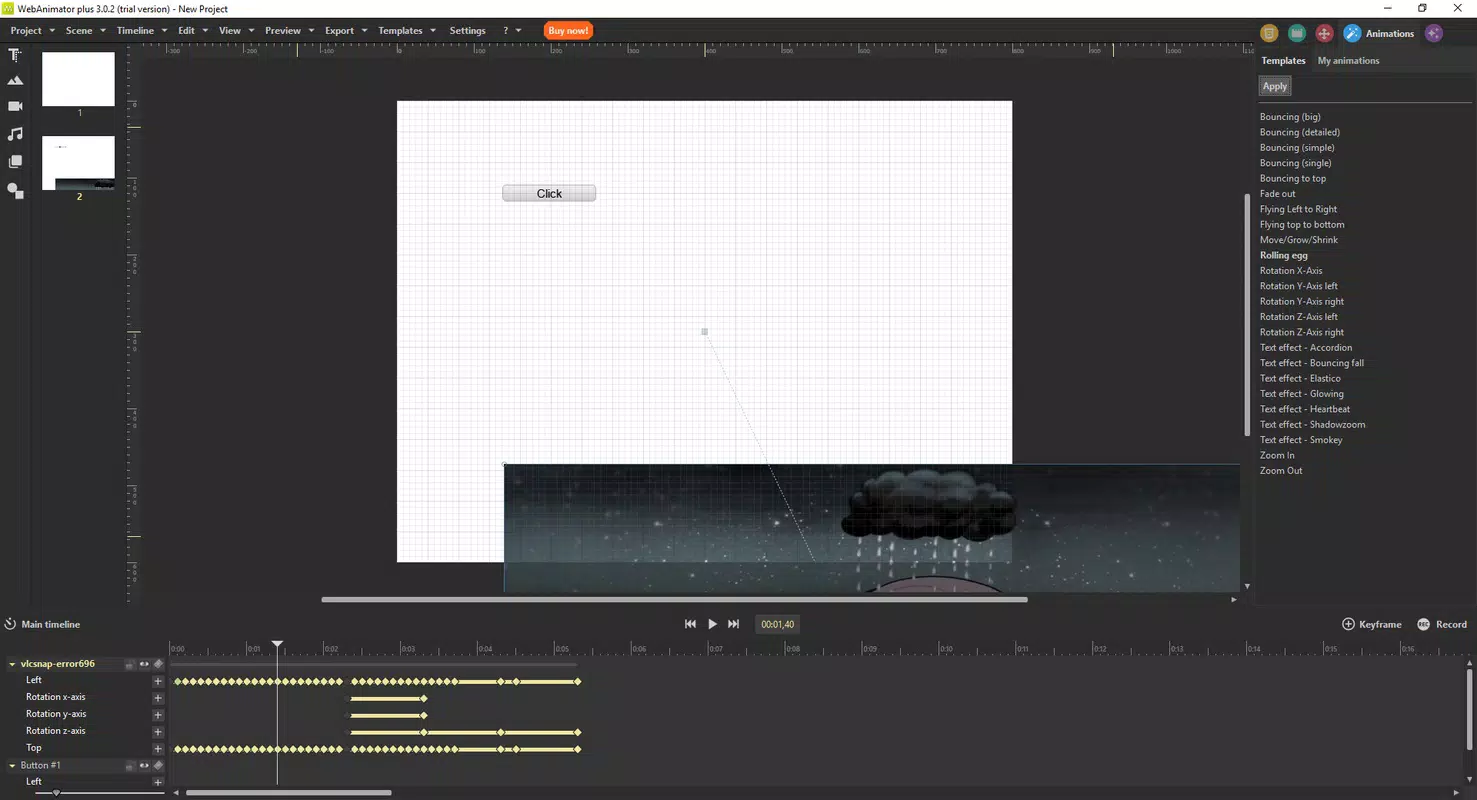
- Intuitive Timeline Control: Users can manage the timing and sequence of animated elements through a visual timeline. This allows for precise control over duration, transitions, and layer synchronization, essential for crafting smooth, professional-grade animations.
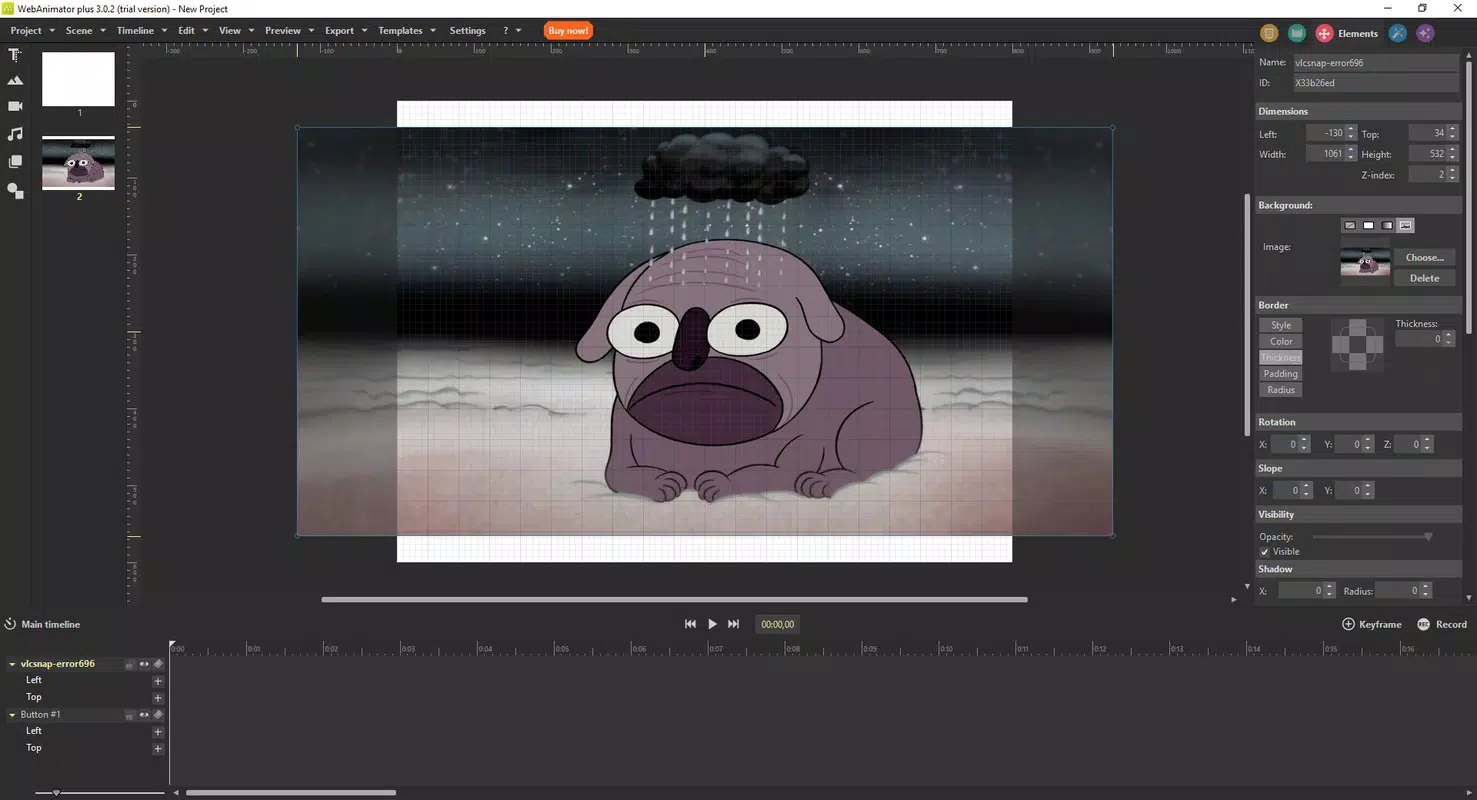
- Layer Management: The app supports multiple layers, enabling users to organize and edit individual elements independently. This feature is particularly useful for complex animations involving overlapping or moving components, allowing for greater creative control and flexibility.
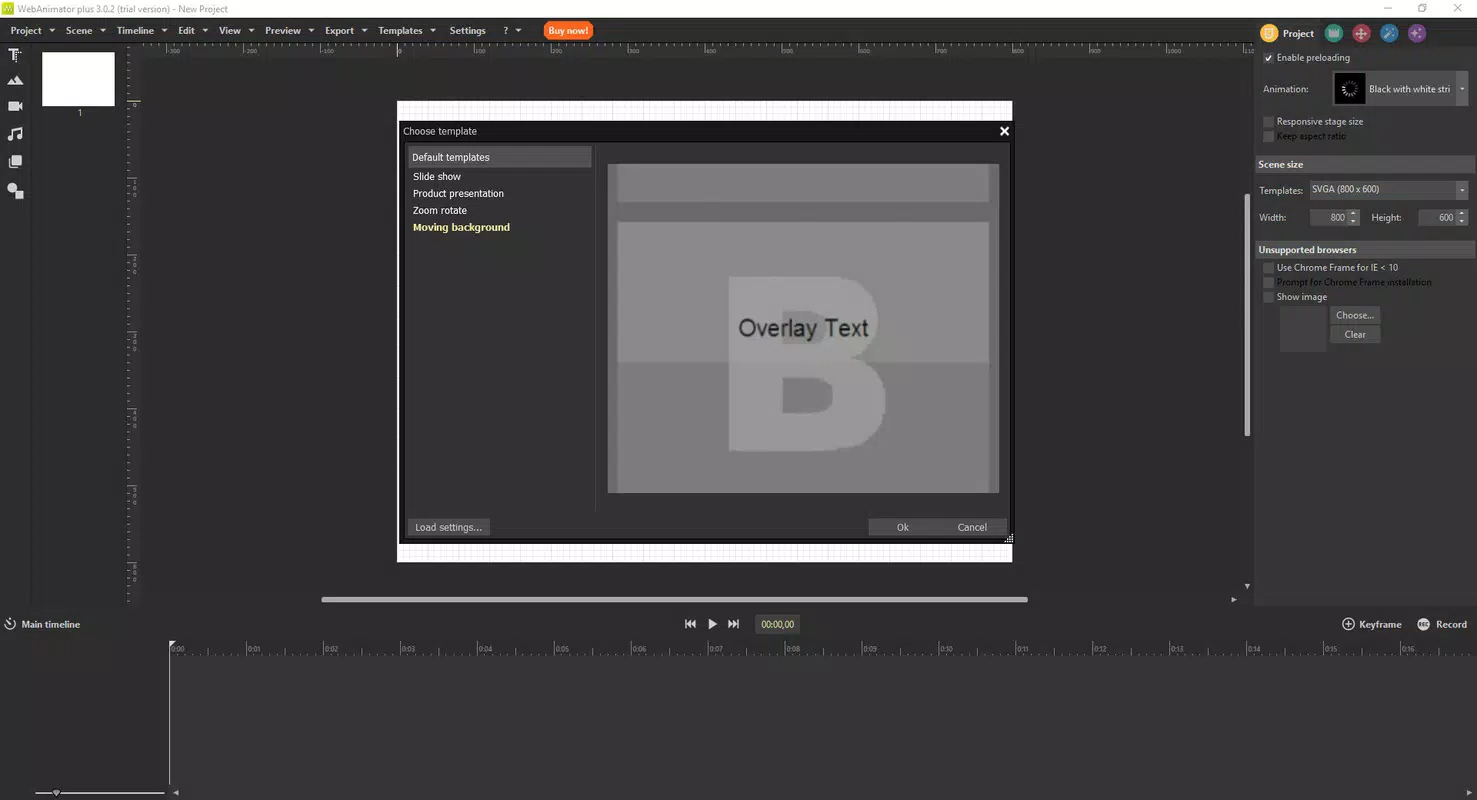
- Pre-Designed Templates: A wide selection of ready-to-use templates accelerates the animation workflow. These templates serve as starting points for common use cases such as button hover effects, loading spinners, and animated icons, reducing the time required to produce polished results.
- GIF Export Capability: WebAnimator allows users to export animations directly in GIF format, ensuring compatibility with most web platforms and social media channels. This feature is crucial for creating lightweight, looping animations that enhance user engagement without requiring additional plugins or software.
- User-Friendly Interface: The app’s interface is structured with clear navigation, contextual menus, and on-screen prompts. This design philosophy lowers the learning curve, making it accessible to users with no prior animation experience while still offering depth for more advanced creators.
For example, a marketer could use a pre-designed template to create a promotional GIF in under five minutes, adjusting timing and colors through the timeline. Similarly, a web designer might layer multiple elements to simulate a micro-interaction on a mobile site, then export it as a GIF for immediate implementation. These practical applications demonstrate how the app bridges the gap between concept and deployment in a mobile environment.
Interface, UX & Performance
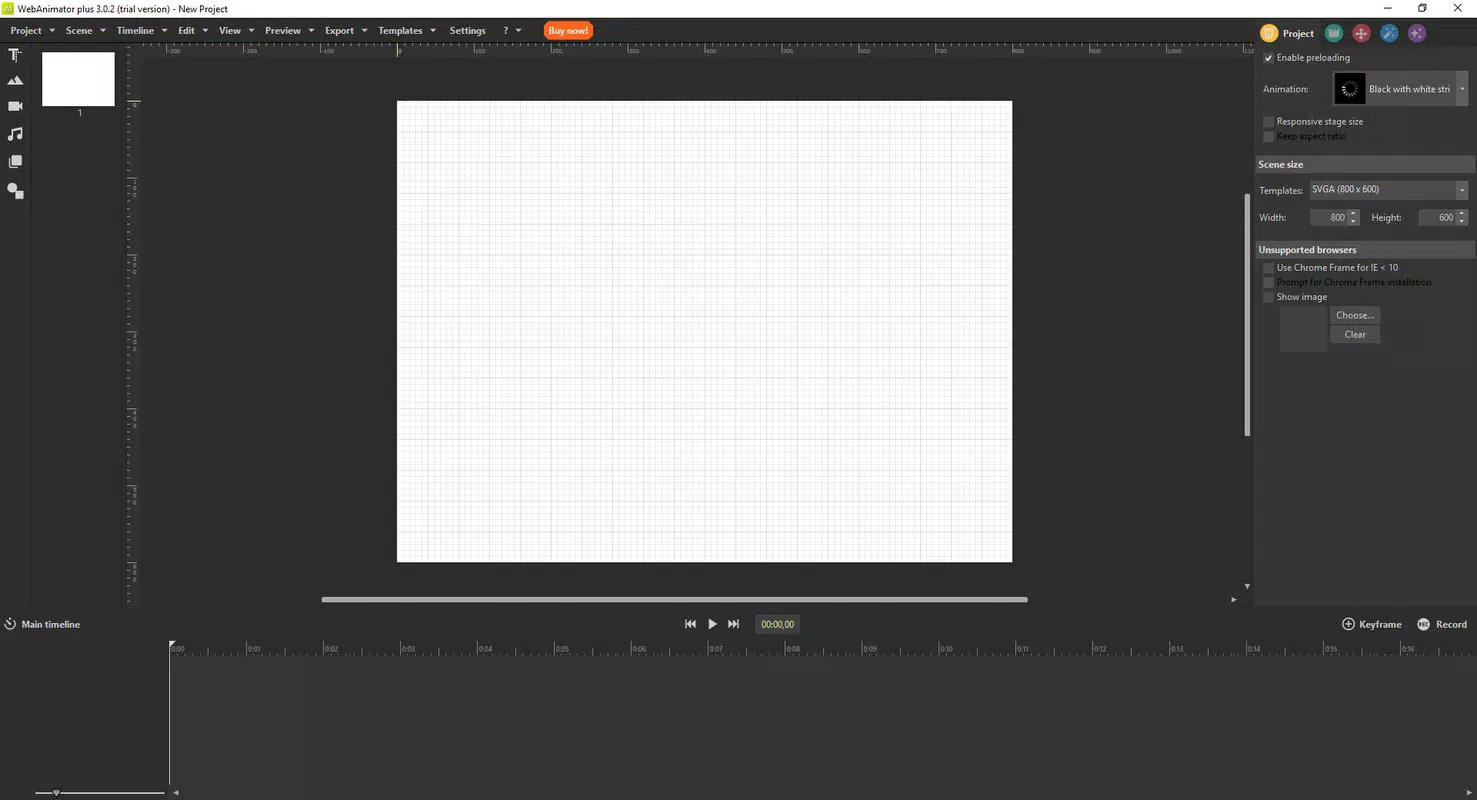
WebAnimator features a clean, modern interface with a focus on visual clarity and ease of navigation. The layout is organized around core tools—timeline, layers, and export options—ensuring that essential functions are accessible without clutter. The use of color-coded elements and intuitive icons supports quick recognition, reducing cognitive load during active design sessions.
Navigation is linear and consistent, guiding users through the animation process from start to finish. The drag-and-drop functionality allows real-time previewing of changes, enhancing the sense of control and immediate feedback. This responsiveness is critical for maintaining user engagement, especially during iterative design phases.
Although the developer did not list formal performance metrics, the app appears optimized for smooth operation across various mobile device categories. Users can expect stable performance during animation playback and export, with minimal lag or crashes during typical use. The app maintains responsiveness even when handling multiple layers and complex timing sequences, indicating efficient resource management. However, specific requirements for RAM, processor, or GPU were not disclosed, so performance may vary depending on device capabilities.
Platform Compatibility & Technical Requirements
WebAnimator is available on Android and iOS platforms, making it accessible to a broad user base. The app supports the latest versions of both operating systems, though specific version requirements were not listed by the developer. The file size is approximately 45 MB, which is relatively lightweight for a creative tool, suggesting efficient code structure and minimal bloat.
Users can download and install the app directly from official app stores. The developer did not specify minimum OS versions or hardware requirements, so compatibility with older devices cannot be confirmed. However, the app’s size and design suggest it is optimized for modern smartphones with standard processing power and screen resolution. For users seeking the latest features and stability, installing the most recent version is recommended.
Pros and Cons
Pros
- Intuitive interface suitable for beginners and experienced users alike
- Supports real-time previewing via drag-and-drop functionality
- Offers a variety of pre-designed templates to accelerate workflow
- Efficient GIF export for web and social media use
- Lightweight file size (45 MB) for fast installation and low storage impact
Cons
- Specific technical requirements were not disclosed by the developer
- No information provided about cloud sync or cross-device collaboration
- Export quality or frame rate limits were not specified
- Advanced animation tools (e.g., keyframe interpolation, easing curves) were not detailed
- Compatibility with older OS versions remains unclear
FAQ
Is WebAnimator available for both Android and iOS?
Yes, WebAnimator is designed for both Android and iOS platforms. It can be downloaded and installed on compatible smartphones and tablets through official app stores.
Can I export my animations as GIFs?
Yes, WebAnimator allows users to export created animations directly in GIF format, which is widely supported across web platforms and social media channels.
Is WebAnimator free to download?
While the app’s price was not specified in the provided information, it is available for download on official app stores. Users should check the app’s listing for current pricing and availability.
Do I need prior animation experience to use WebAnimator?
No, the app is designed with a user-friendly interface and guided workflows, making it accessible even to users with no prior animation experience.
How large is the WebAnimator app?
The app has a file size of approximately 45 MB, which is considered lightweight for a creative tool, allowing for quick installation and minimal storage usage.
Final Thoughts
WebAnimator stands out as a practical, mobile-first solution for creating web animations and GIFs. Its combination of intuitive controls, pre-designed templates, and seamless GIF export makes it a valuable tool for content creators, marketers, and designers who need fast, reliable animation capabilities on the go. The app’s lightweight nature and clean interface enhance usability across a range of devices, while its focus on accessibility lowers the barrier to entry for beginners.
Although some technical details remain unspecified, the app delivers a polished and functional experience that aligns with modern mobile workflows. For users seeking a dedicated, easy-to-use animation tool for web content, WebAnimator offers strong value. Its ability to turn ideas into animated assets in minutes positions it as a compelling choice in the growing mobile creative ecosystem.
Download WebAnimator now


